Sing · 15s sample
Piano Serenade
Sample input: One golden retriever photo
AvailableReady for your pet
Rap · Pet video template
Give two pets their Hotel Lobby moment: a 15-second rap-and-dance duet, with outfits, an orange studio and the reference sound.
Actual generated sample · Standard 480p · 15s · Sound starts muted
First shared
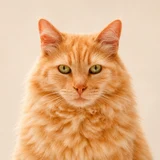
Your photos stay in place until you choose a role below.
One pet per photo. Upload both, or choose a MyPetClip pet for either role.
Left · Lead rapper
Striped shirt
No pet selected
Right · Dance partner
Orange polo
No pet selected
Keep the face, ears and front paws visible. Outfits and the orange studio come with this template.
Length
15 seconds
Full template
Format
9:16 · Vertical
Matches the template
Original sound included
Uses the template’s soundtrack, not your pet’s voice. The preview shown is 480p. Results and movement can vary between models.
This video: 13 credits · Failed generations return their credits.
Behind this little moment
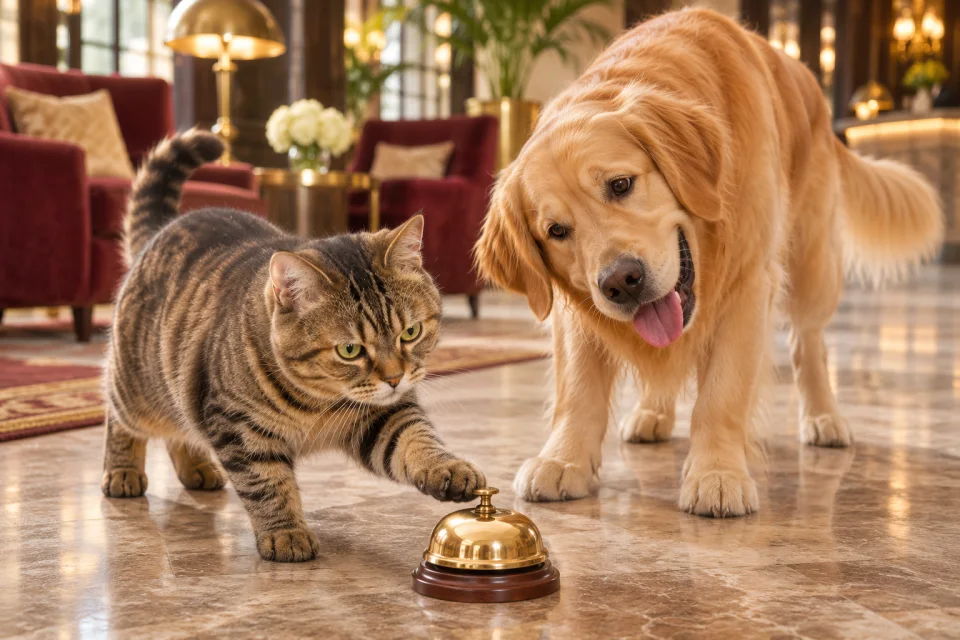
Photo examples: a clear face, natural light, and room for the body and paws. No background removal needed. Choose one photo for each pet.
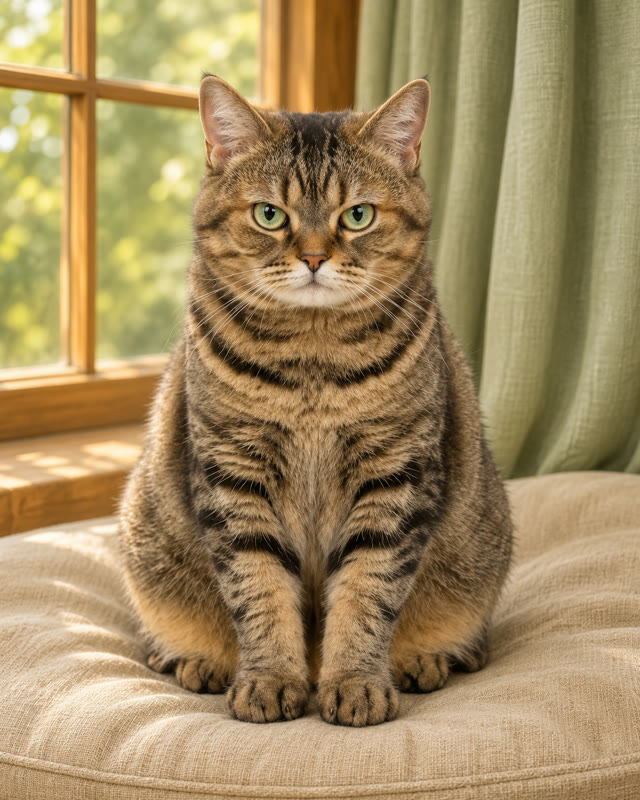
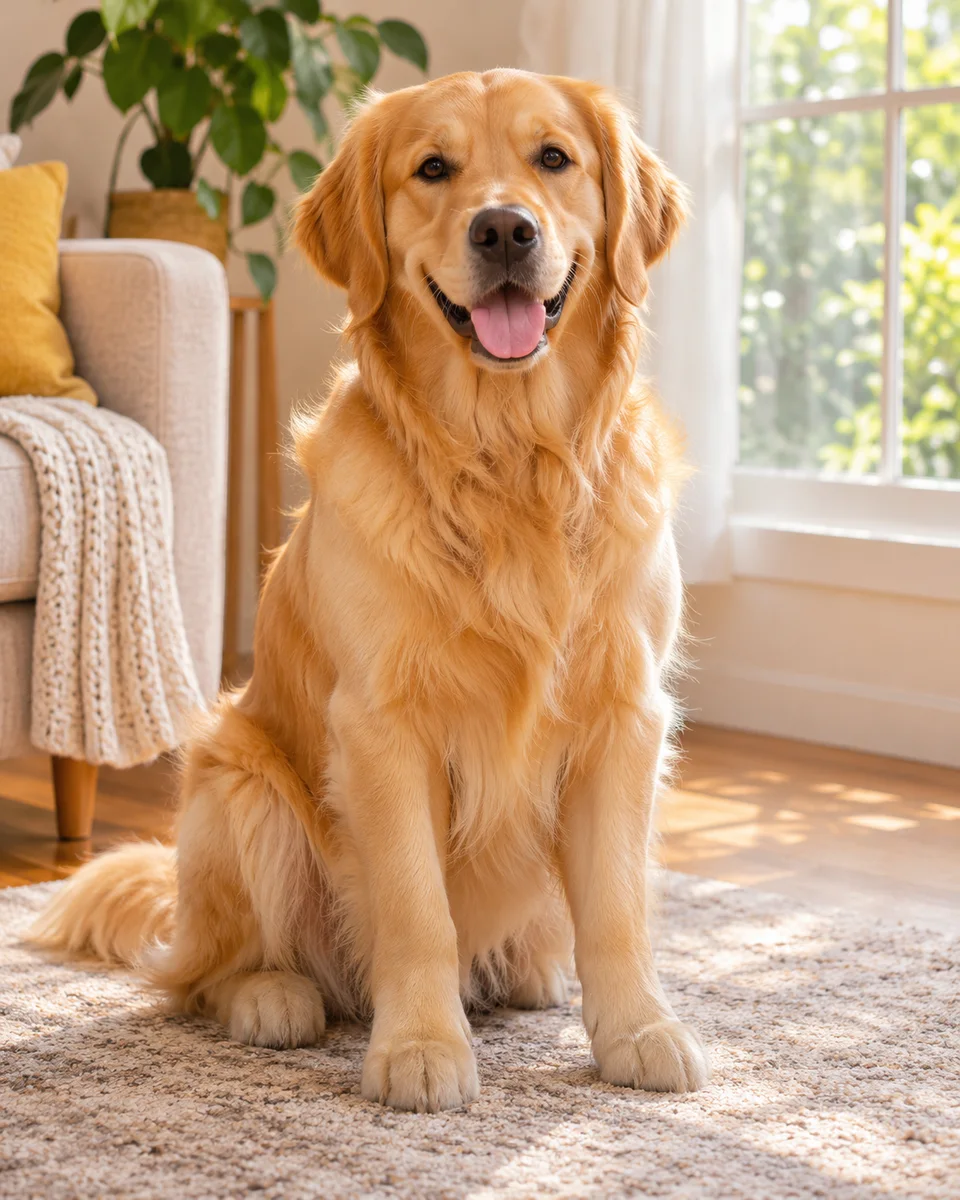
Milo the tabby takes the microphone on the left in a striped shirt; Charlie the golden retriever dances on the right in an orange polo. This real sample used two separate pet photos.
Upload one photo per pet, or choose a MyPetClip pet for either role. The sample verifies one cat-and-dog pair; appearance and movement can vary with other photos.
AI results can vary in movement, fur and fine details. This example shows one prepared result, not a promise for every photo.
Their moment on screen
All 15 seconds use this template’s prepared reference sound. It does not rap your pet’s name, write new lyrics or clone a voice. Mouth movements may not match every word.
Choose each pet, swap their roles, and select a model and resolution. The two outfits, orange studio, length and soundtrack are fixed. If you have one pet, choose a MyPetClip pet for the other role.
Make it theirs
Choose a separate photo for the left rapper and right dance partner, or pick a MyPetClip pet for either role. Use Swap to switch them. On a computer, Upload from your phone lets you send both photos from your album.
Choose a model and resolution for the fixed 15-second clip. Sign in when prompted, check both role previews and review the credit cost before generating.
Watch the finished video here or in My videos, then download the MP4. Check both pets’ faces, outfits and moving paws before sharing.
Before you choose
About Hotel Lobby, its starting image and the result.
Ask us about your photoNo. Choose one photo for the left rapper and a separate photo for the right dance partner. Both roles start empty. If you only have one pet, choose a MyPetClip pet for the other role.
No. Use clear pet photos with their faces, ears and front paws visible. The left role wears a striped shirt and the right role wears an orange polo. These outfits and the orange studio are part of this template; custom clothing and backgrounds are not available.
On a computer, use Upload from your phone and scan one code. Send each photo to its named role, then finish on your computer. On a phone, choose photos directly from your album.
This template keeps the prepared reference sound for all 15 seconds. It does not create personalized lyrics, a new rap song or a cloned voice. Precise lip sync and exact motion copying are not guaranteed.
Your pet’s turn
Return to your photos and settings above.